CONTENT / 01
Sports Markets Meet Casino Categories at fl666
The fl666 lobby is arranged so that sports and casino sit side by side rather than in separate silos. When the cricket matchday ends, you do not need a new account or a new wallet balance to browse the live casino floor — your account balance carries straight across. You can also switch direction — moving from a slot room back to a live sports market — without logging out or reloading the page. The unified wallet means your available balance is always the same figure whether you are viewing the sports section or the casino floor, so there is no need to transfer funds between separate product wallets before placing your next selection.
CONTENT / 02
Slots, Live Casino and Crash Rooms Ready Now
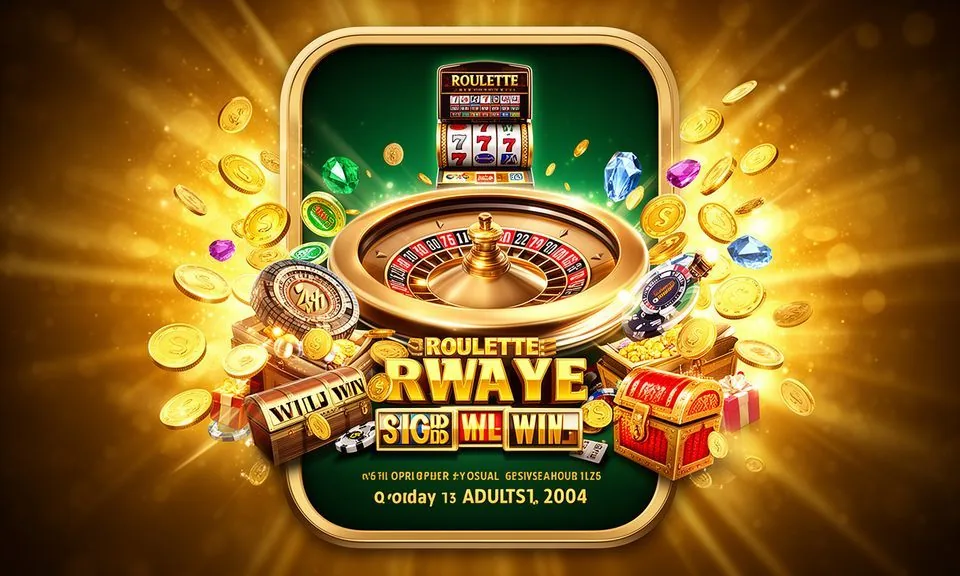
Our game lobby covers slot titles, live dealer tables, table game rooms and crash categories — all accessible from the same account session. Studio content from Pragmatic Play, JDB, Microgaming, Spadegaming and PlayStar fills the catalogue across every category.
CONTENT / 04
fl666 lobby studios
The fl666 lobby carries content from Pragmatic Play, JDB, Microgaming, Spadegaming, PlayStar. To check the studio, rules or features of one specific game, open that game card or the published information panel.
-
Pragmatic Play
-
JDB
-
Microgaming
-
Spadegaming
-
PlayStar
CONTENT / 03
fl666 on Your Phone — No Download Needed
The fl666 platform is built to run in your mobile browser without a separate app download. Open fl666 in Chrome or any modern Android or iOS browser, log into your account, and the full lobby — sports markets, live casino tables and slot rooms — loads in the same session.
-
Browser Play
fl666 runs in your mobile browser without any download. Open fl666 in Chrome or Safari, sign in, and the full lobby is ready. Sports markets, live casino and slot rooms all load and navigate cleanly on a standard Android or iOS browser without extra software.
-
Home Screen Shortcut
Add fl666 to your phone home screen for one-tap access. On Android use 'Add to Home Screen' in the browser menu; on iOS tap the share icon and choose 'Add to Home Screen'. The shortcut opens the full site with your last session remembered, so you reach the lobby faster.
-
Wallet on Mobile
The bKash, Nagad and Rocket deposit flow works on mobile exactly as it does on desktop. Open the wallet tab from the bottom menu, select your payment method and follow the on-screen steps. Transaction history and withdrawal requests are also available in the same mobile wallet tab.
 Casino / Slots